
Navigation & social links
Add custom navigation links and social icons to your website.
Your website isn't limited to videos. Custom navigation links let you point visitors to anything — your shop, Discord, Patreon, or an imprint page — and social links put your other profiles one click away. Both are configured in the editor sidebar under Content.
Add a custom nav link
Each nav link is a label plus a URL. Common uses: merch shop, Discord server, Patreon, contact page, or a legally required imprint.
Open your website in the dashboard and go to the Content section of the editor sidebar.
Under nav links, add a new link with a label (what visitors see, e.g. "Shop") and the full URL (e.g. https://shop.example.com).
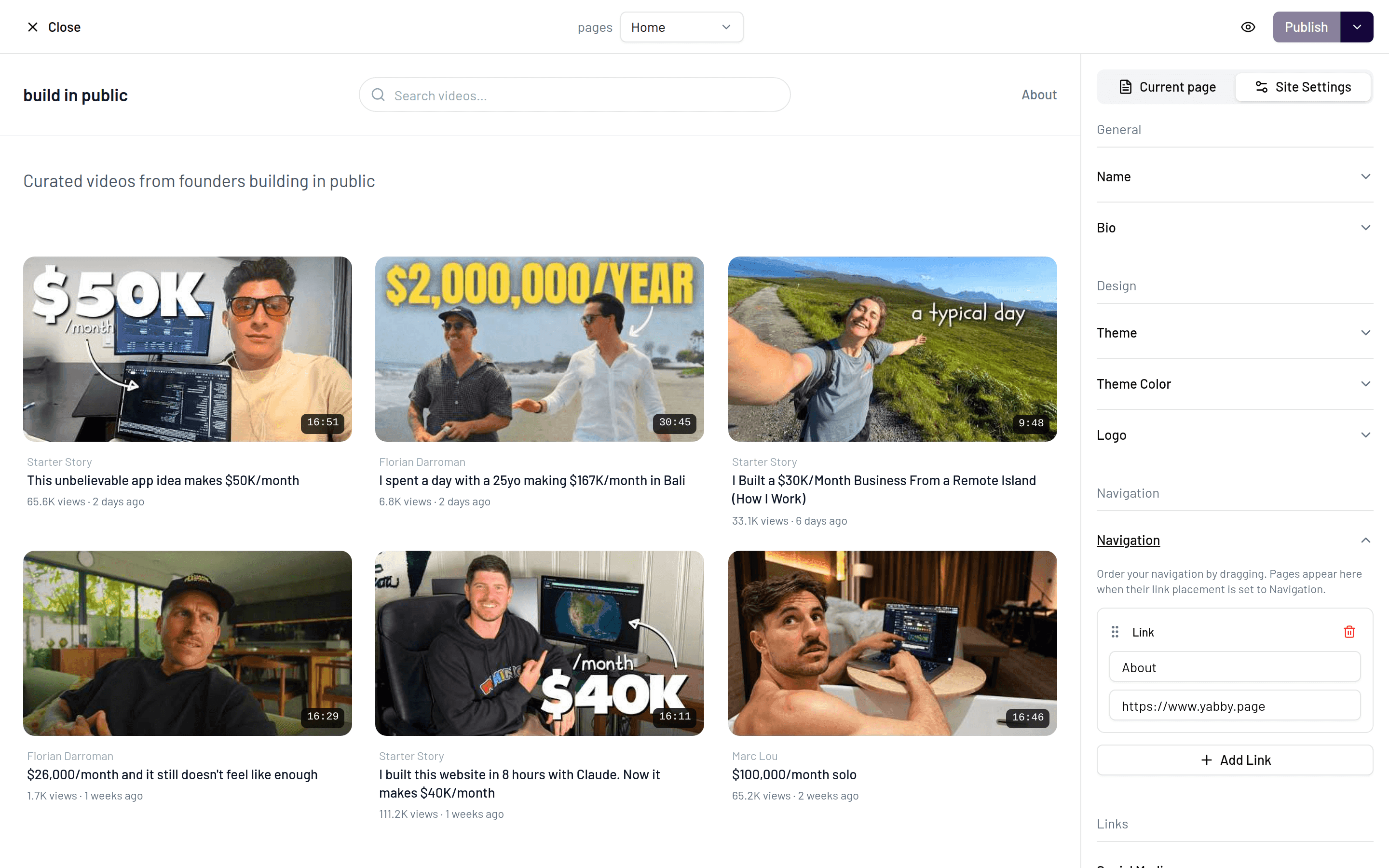
Check the result with Preview website — nav links render in your site's navigation on every page.
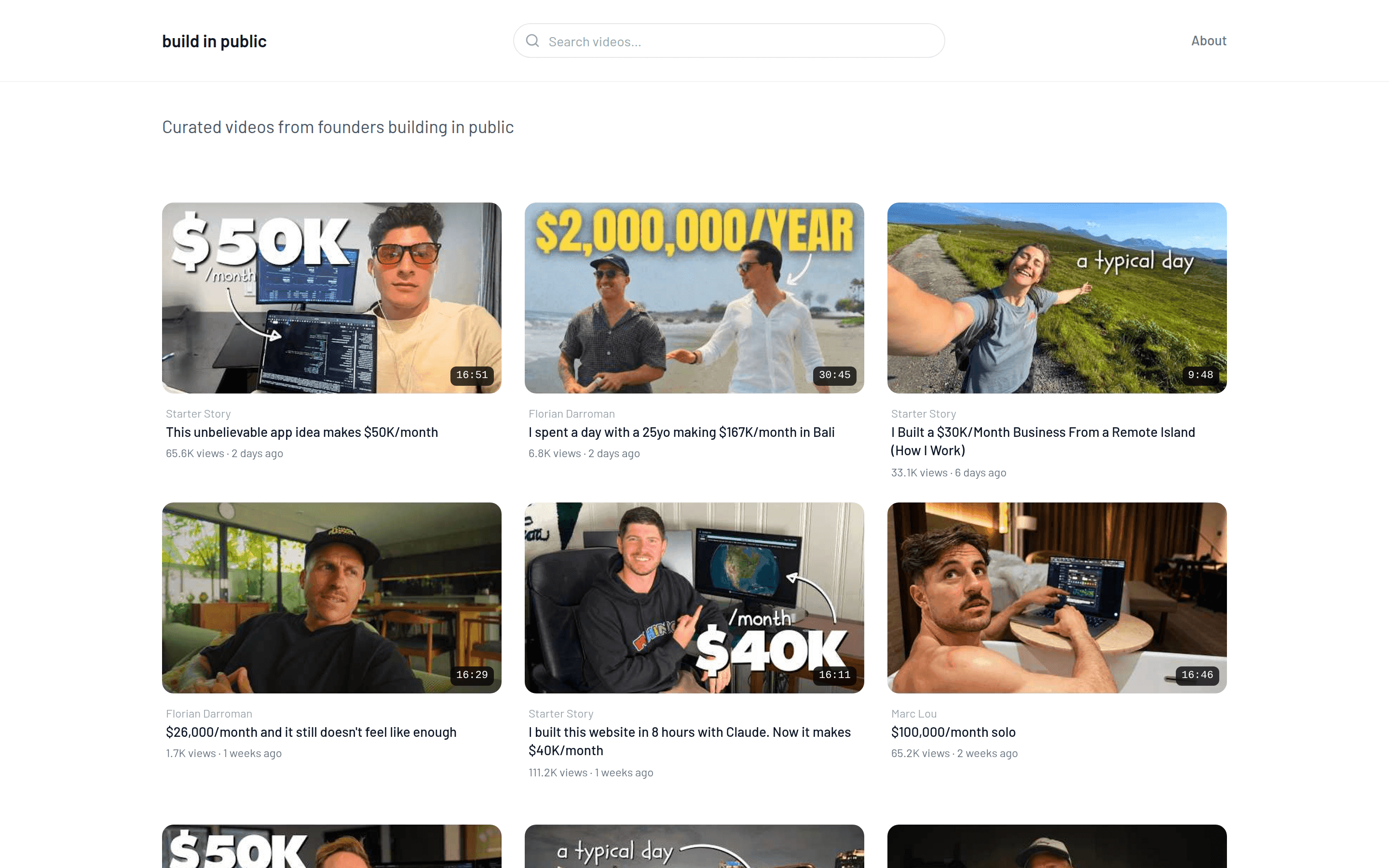
Keep labels short — one or two words. Long labels crowd the navigation, especially on phones.
Imprint and legal pages
If your country requires an imprint or privacy page, host it anywhere (or reuse the one from your existing website) and add it as a nav link so it's reachable from every page.
Add social links
Social links are configured in the same Content section. Add the URLs of your profiles — they're rendered as icons on your public site, so visitors can find you beyond YouTube.
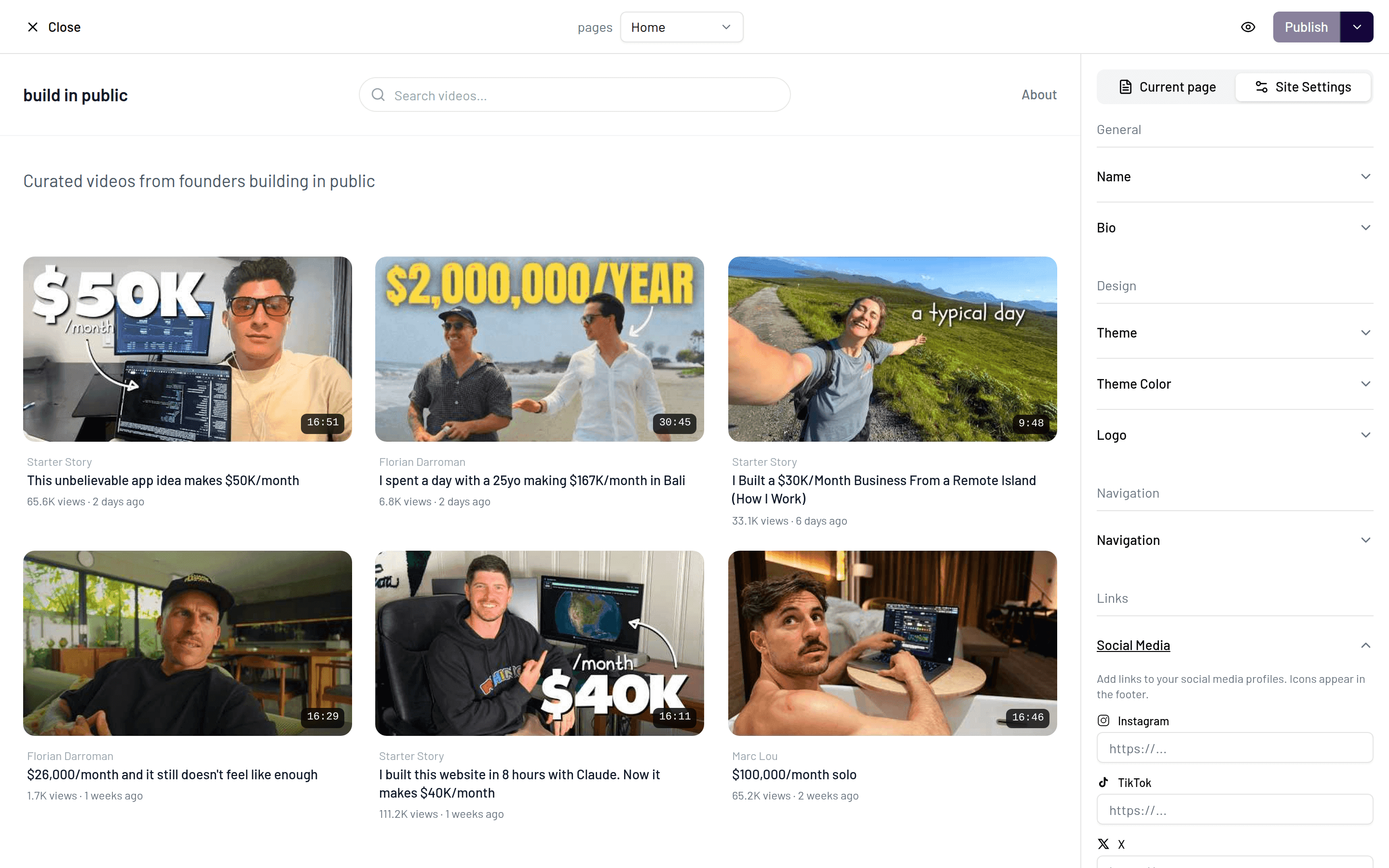
Only add profiles you actively use. A short row of live accounts looks better than a long row that leads to dormant ones.