
Videos: display & curation
Control how videos appear on your yabby site — sort order, featured videos, hiding, Shorts, search, and the curated new-video workflow.
Your videos sync from YouTube automatically, but how they appear on your site is up to you. Curation happens in two places: per-video actions live in the Channels tab of the website editor, and site-wide display options live in the sidebar under Content → Customize.
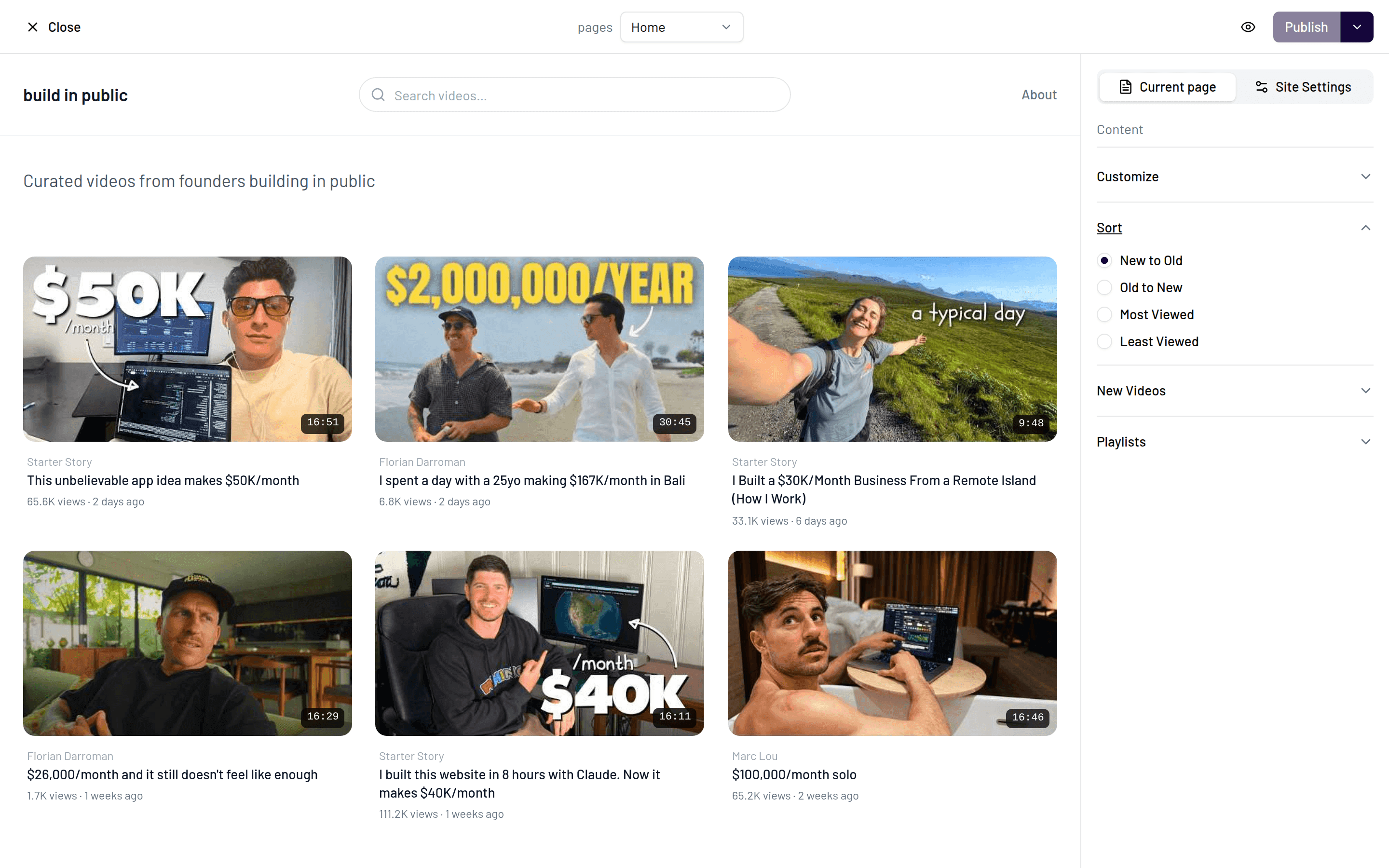
Sort order
Choose how the video grid is ordered: new to old (the default for most channels), old to new, most viewed, or least viewed. Most-viewed works well if your evergreen videos are your best introduction; new-to-old fits channels where recency matters.
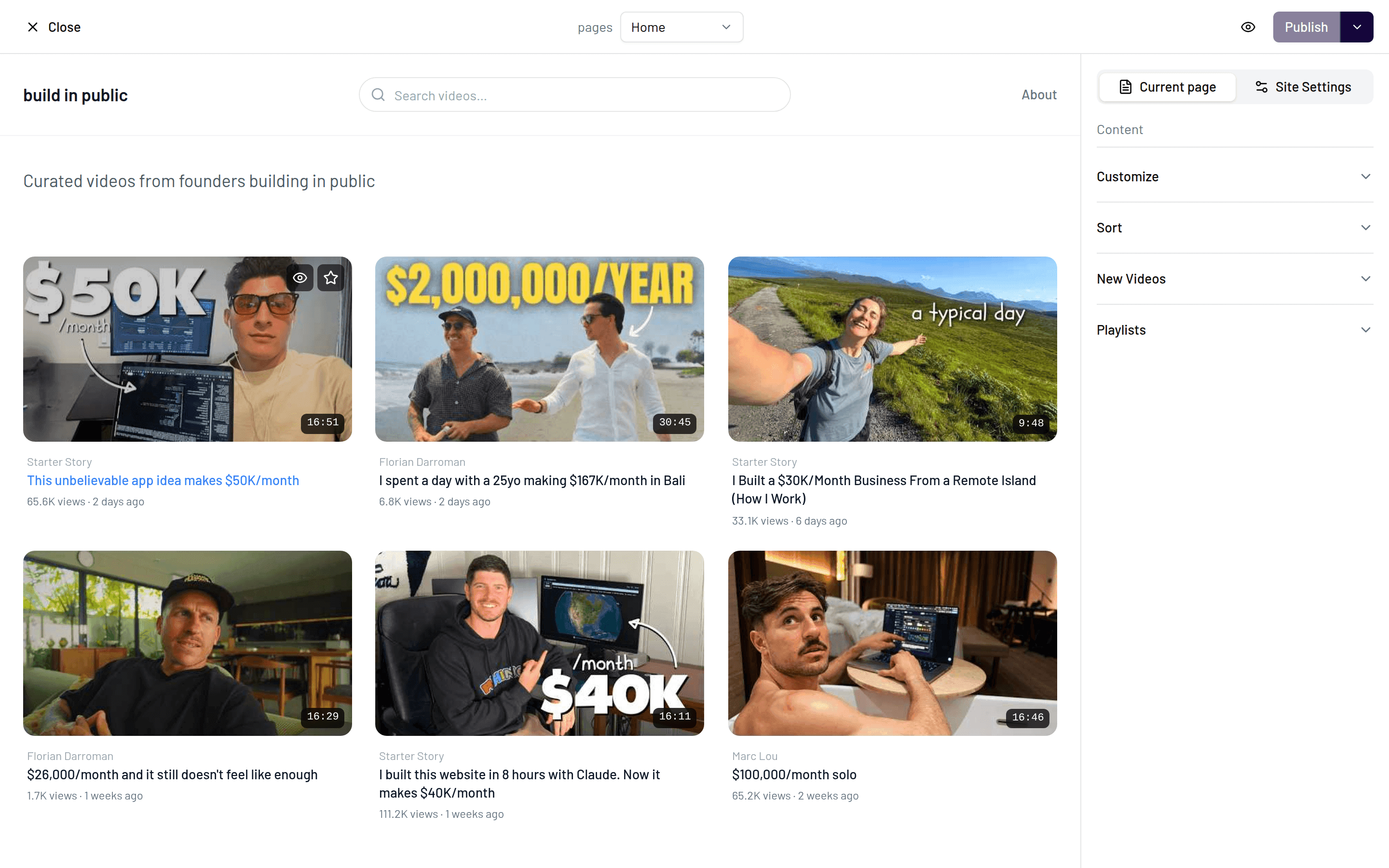
Featured videos
Featuring a video puts it in the Featured section at the top of your homepage — the first thing visitors see. Use it for your best work, a current series, or a video you're actively promoting. Feature a video from its entry in the Channels tab.
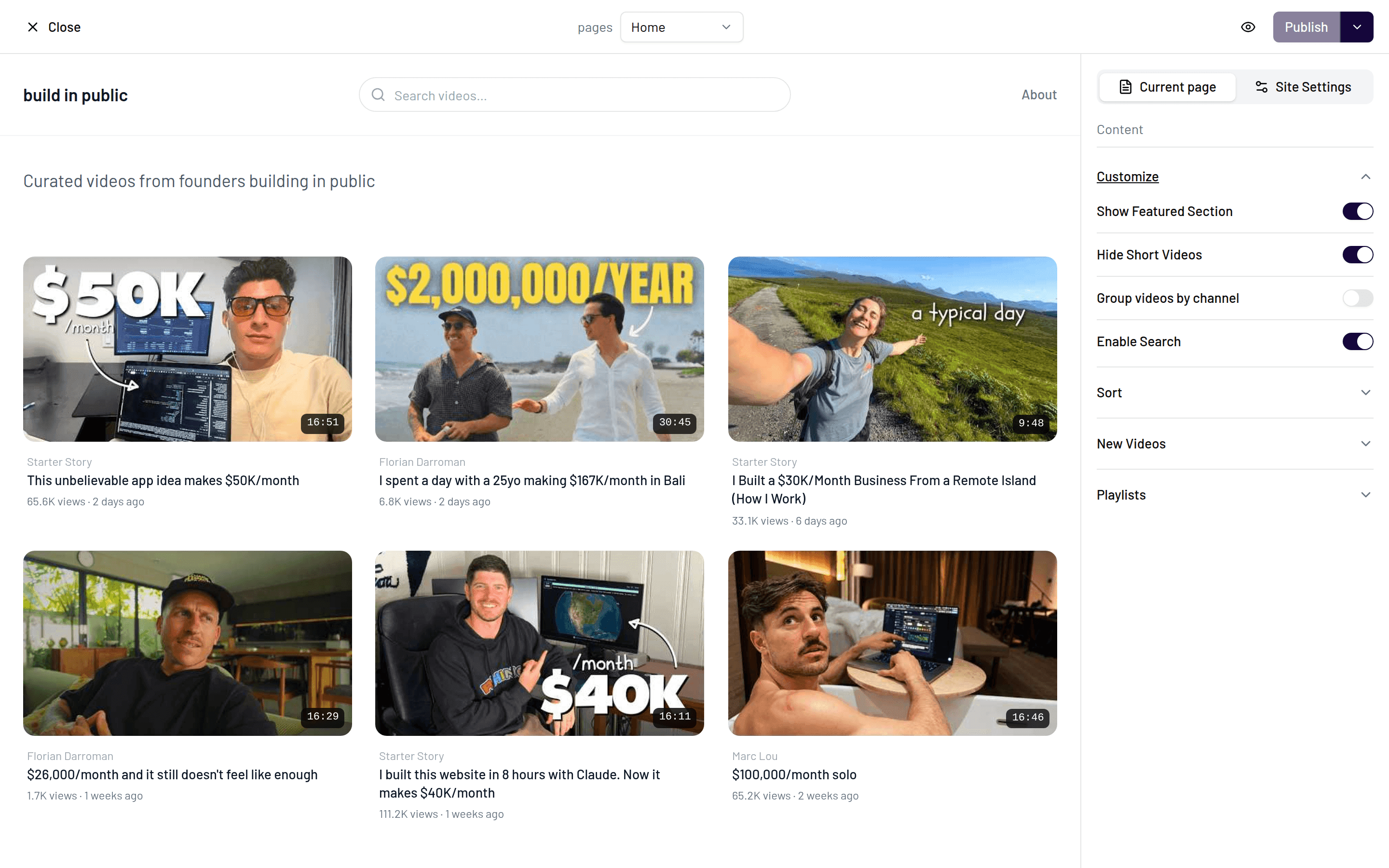
The featured section itself is controlled by the Show Featured Section toggle (on by default). Turn it off if you'd rather lead straight with the grid.
Hiding videos
Hide any video to remove it from your site without touching it on YouTube. Hidden videos stay hidden across syncs, so this is the tool for keeping outdated or off-topic uploads off your website.
Shorts
The Show Shorts toggle controls whether YouTube Shorts appear on your site. It's off by default — most creators keep their website focused on long-form content. Flip it on if Shorts are part of your main output.
On-site search
Show Search (on by default) adds a search box to your homepage so visitors can find videos by title. If your catalog is small, you can switch it off for a cleaner page.
New videos: auto-publish or curated
The new video mode decides what happens when a sync brings in a video you've just uploaded to YouTube.
The default. New videos go live on your site as soon as a sync picks them up. Zero maintenance — upload to YouTube and your website follows.
New videos arrive hidden and wait for your approval before appearing on the site. This gives you a review step for every video — useful if you attach per-video sponsor or CTA blocks and don't want a video live before its promo block is in place, or if you only want a subset of uploads on your website. It's also the backbone of curated multi-channel sites, where you hand-pick which videos from other channels make the cut.
Curated mode pairs well with sponsor blocks
If you monetize with per-video CTA blocks, curated mode ensures no video goes live on your site before you've set up its block. See Promo blocks.