Playlists
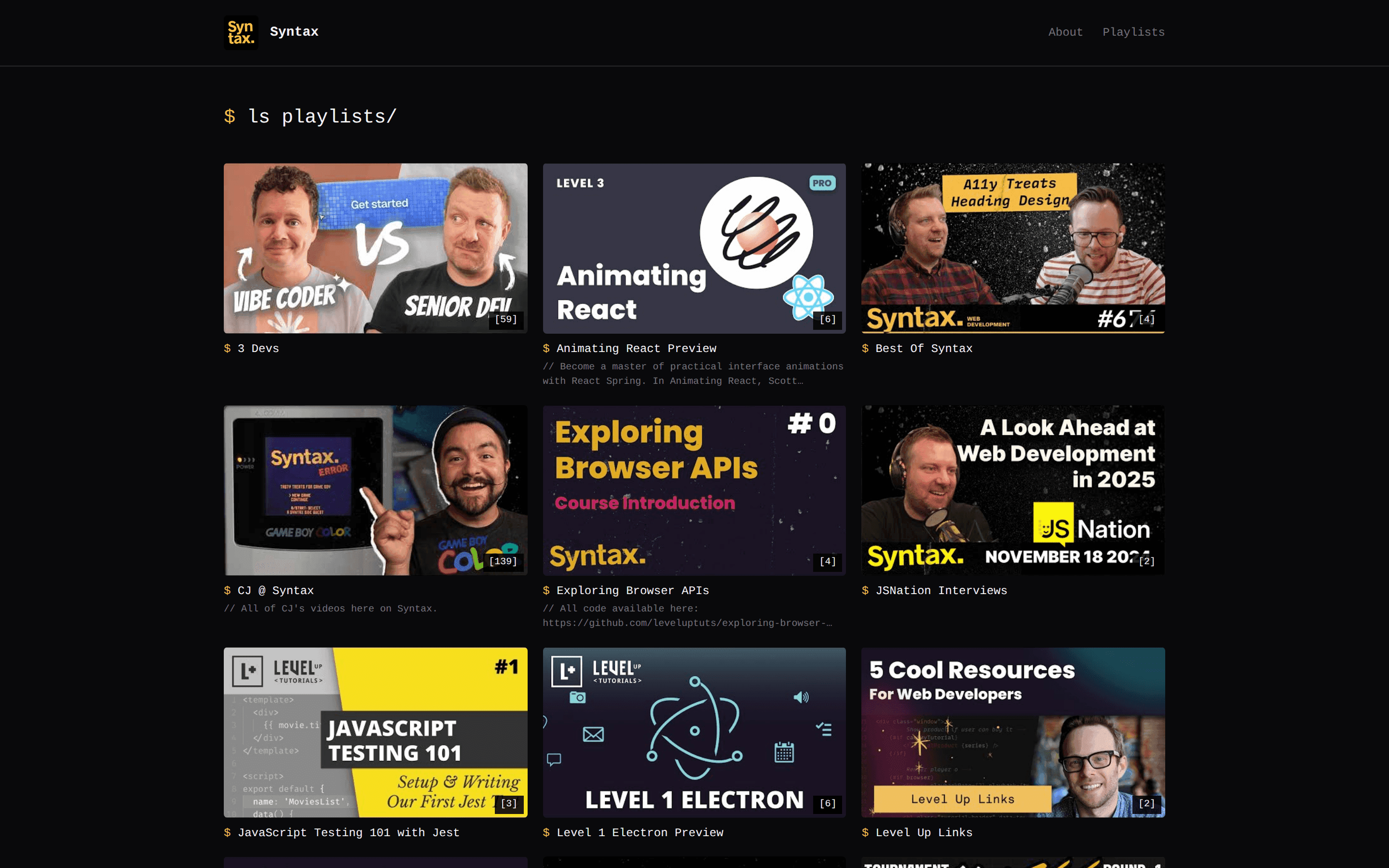
Show your YouTube playlists on your website — on the homepage, on a dedicated page, or not at all.
Your YouTube playlists sync to yabby automatically along with your videos. Every playlist gets its own page on your website, and you decide where playlists show up — or whether they show up at all.
How playlists get to your site
When yabby syncs a channel, it imports that channel's playlists together with its videos. There's nothing to set up: create or update a playlist on YouTube, and it appears on your site after the next sync.
Sync frequency depends on your plan
On the Free plan you sync manually with Sync Now. Paid plans sync automatically — see Automatic syncing for details.
Choose a display mode
You control how playlists appear in the website editor, under Content → Customize → Playlist display.
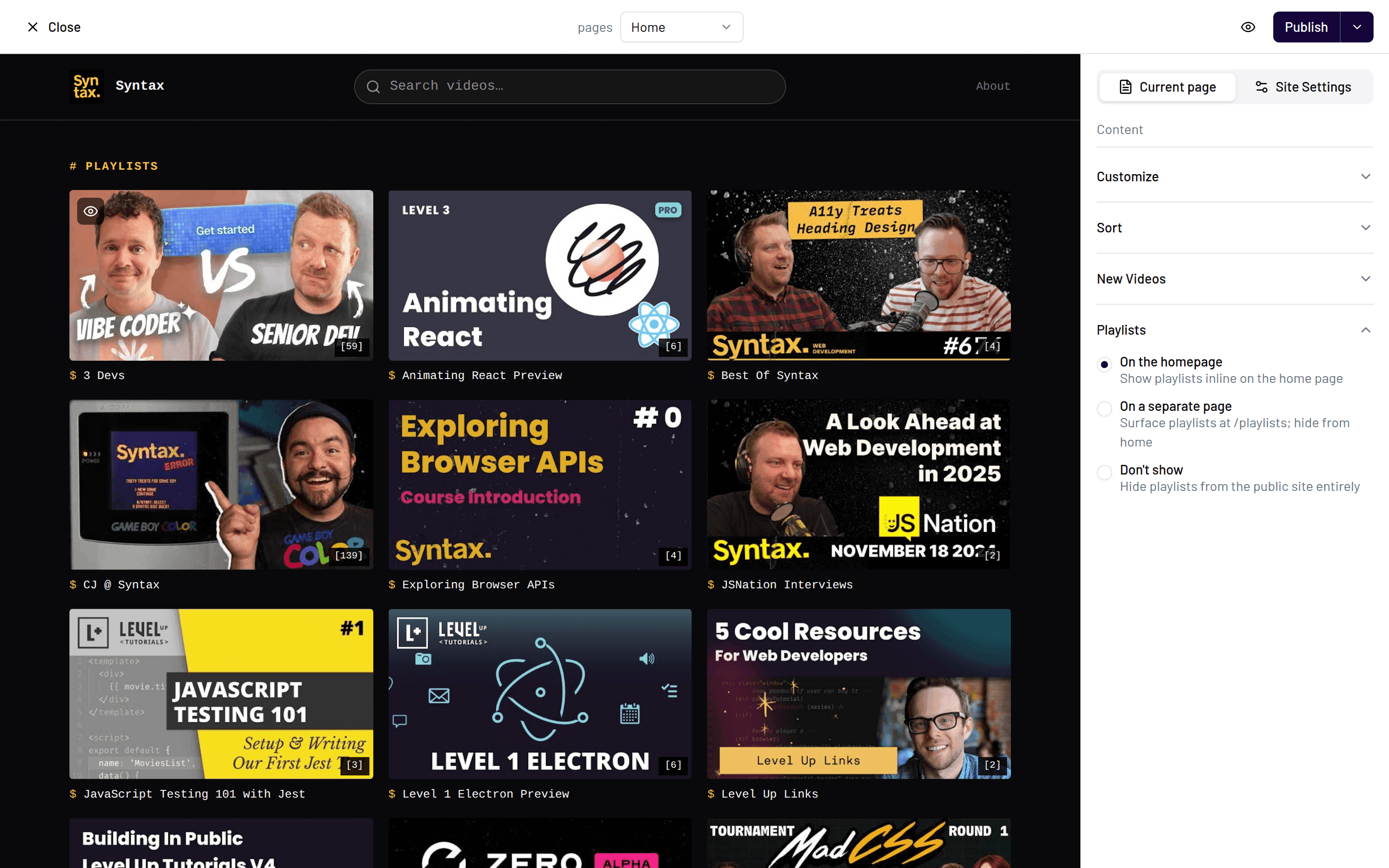
Playlists are shown directly on your homepage, alongside your videos. Best if playlists are central to how you organize content — for example a tutorial series or a show with seasons — and you want visitors to find them immediately.
Playlists live on their own index page at /playlists, linked from your site. Best if you have many playlists and want to keep your homepage focused on recent videos, while still giving series their own home.
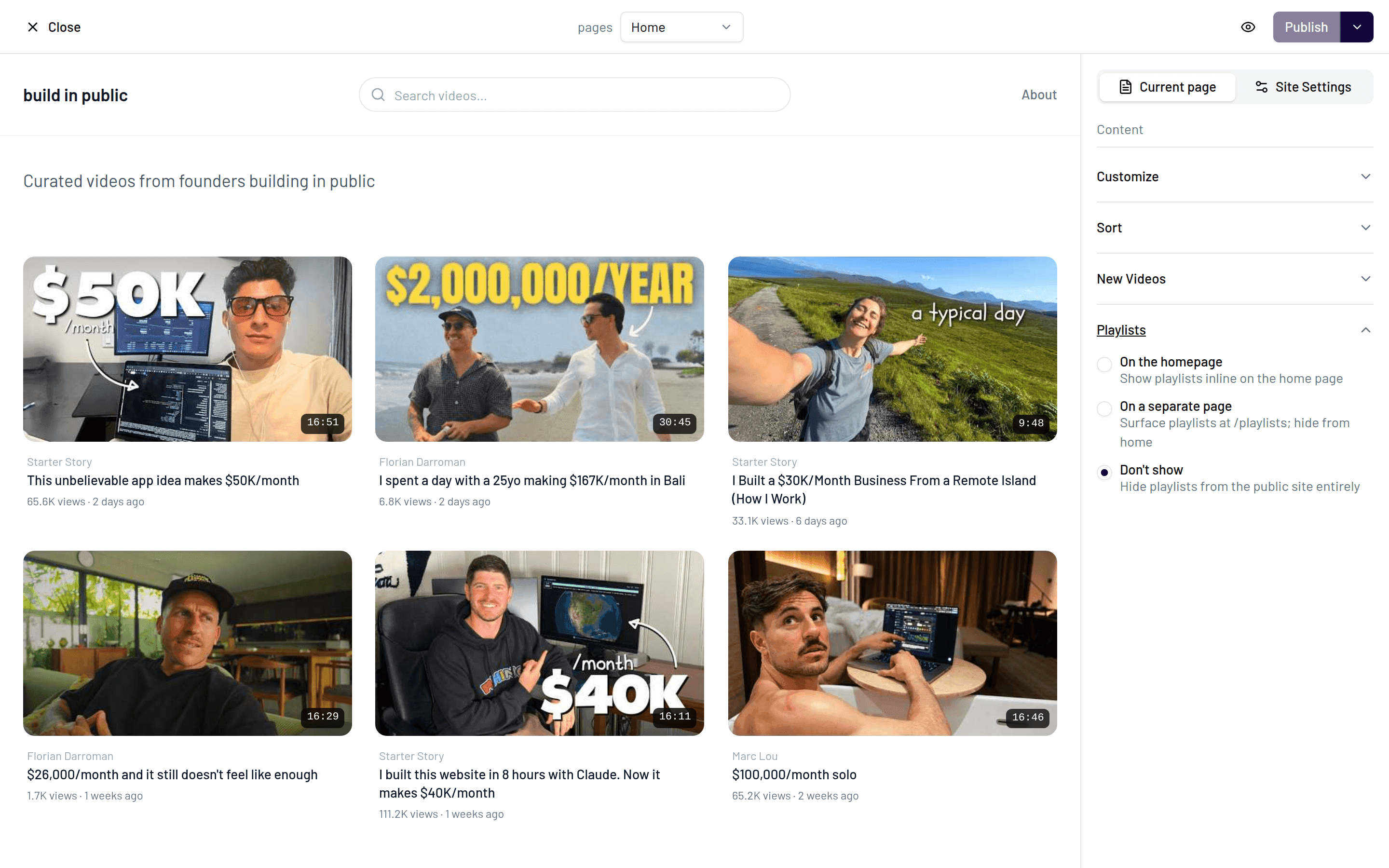
Playlists don't appear anywhere on your site. Best if your playlists are internal housekeeping on YouTube (e.g. "Watch later"-style collections) and wouldn't help your visitors.
Hide or feature individual playlists
You don't have to show every playlist. Each playlist can be individually hidden or featured:
Open your website in the dashboard and go to the Channels tab.
Find the playlist you want to adjust in the channel's playlist list.
Use Hide to remove it from your site, or Feature to give it prominent placement.
Hiding a playlist only affects your yabby website — nothing changes on YouTube.
Playlist pages
Every visible playlist gets its own page on your website listing all of its videos. If you've enabled the dedicated index page, visitors can browse all playlists at /playlists and click through to each one.