
Automatic syncing
How yabby keeps your website up to date with your YouTube channel.
Once a channel is connected, yabby keeps your website in step with YouTube. You upload to YouTube as usual — your website follows.
What sync does
Every sync run:
- Imports new videos and playlists from your channel
- Updates existing content — titles, descriptions, thumbnails, and view counts
- Respects your plan's videos-per-channel limit (see below)
Nothing on YouTube is ever changed. Sync only reads from your channel.
Manual sync
You can trigger a sync at any time with the Sync Now button on a channel — useful right after you've uploaded a video and don't want to wait for the next automatic run.
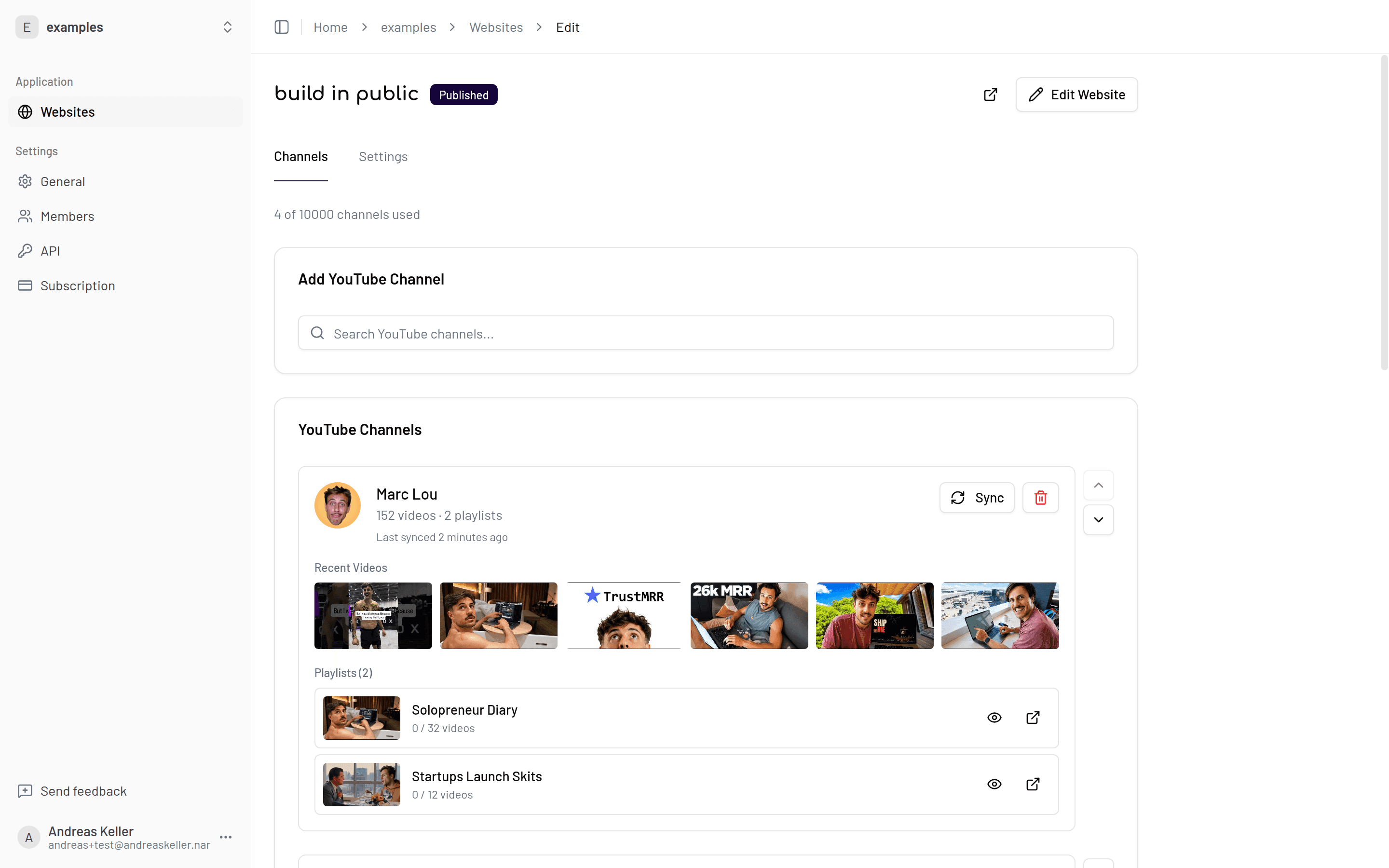
On the Free plan, manual sync is the only way to update your site.
Sync frequency by plan
| Plan | Automatic sync |
|---|---|
| Free | Manual only |
| Pro | Daily |
| Premium | Hourly |
| Max | Every 15 minutes |
Need faster updates?
If your site should pick up new uploads quickly, Premium (hourly) or Max (every 15 minutes) keeps the gap between YouTube and your website short. See Plans.
Videos per channel by plan
Sync imports up to your plan's limit per channel, keeping the most relevant content within it:
| Plan | Videos per channel |
|---|---|
| Free | 50 |
| Pro | 500 |
| Premium | 1,000 |
| Max | Unlimited |
Sync and new-video mode
How synced videos appear on your site depends on the New video mode setting (editor sidebar → Content → Customize):
- Auto-publish (default) — new videos go live on your website as soon as they're synced.
- Curated — new videos arrive hidden and stay off your site until you approve them. Sync still imports them; you just control when they appear.
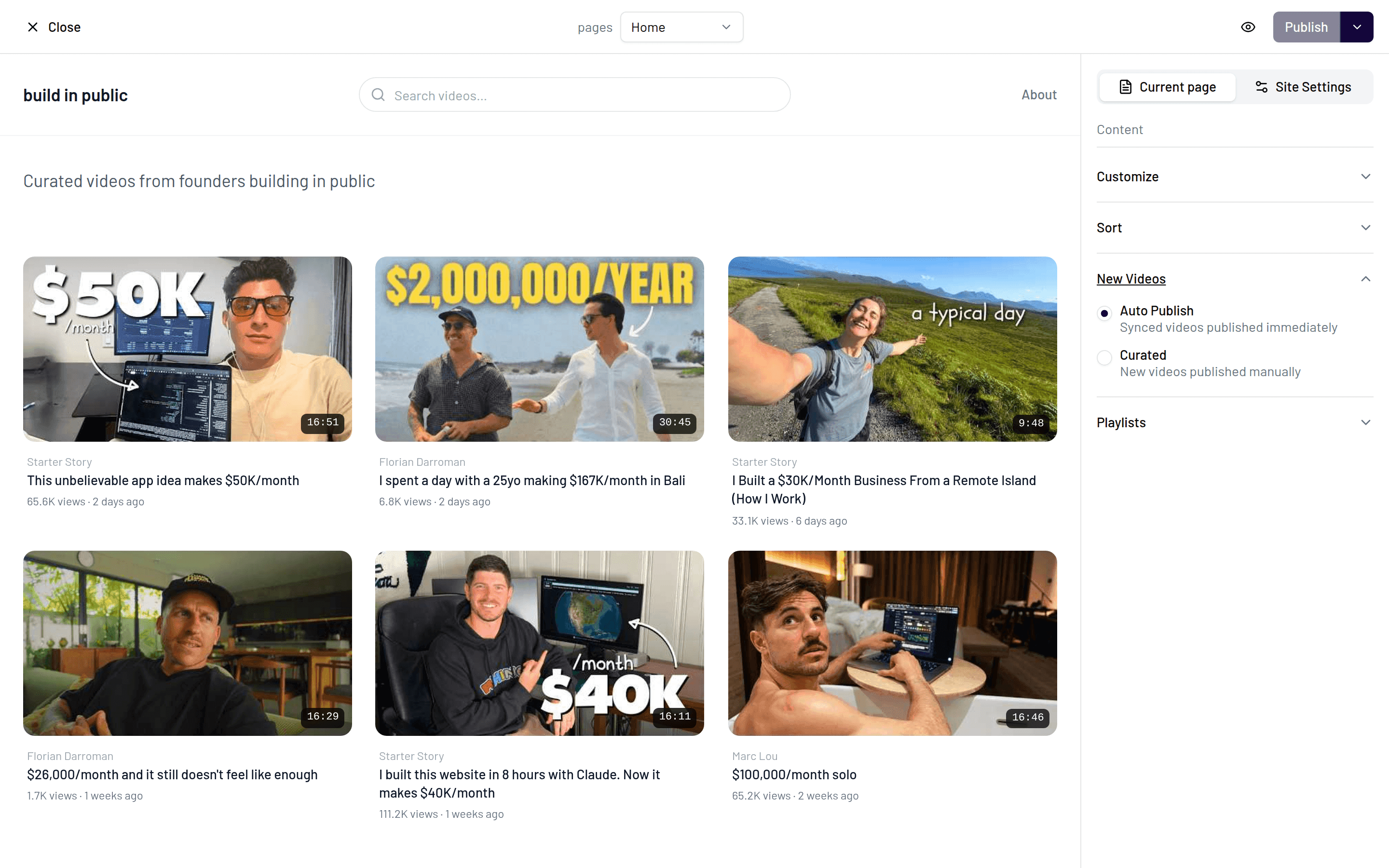
Curated mode is handy if you only want a selection of your uploads on your website — for example, keeping Shorts experiments or off-topic videos out of your portfolio.
Deleted or private videos
When a video is deleted on YouTube or set to private, the next sync hides it on your website automatically. It stays in your video list as hidden, marked with a Removed on YouTube badge in the editor. If you make it public again on YouTube, the next sync shows it on your site again. Videos you hid yourself always stay hidden.
A video isn't showing up?
If a video is on YouTube but not on your site, check the usual suspects: it may be hidden, it may be a Short with "Show Shorts" turned off, or your channel may have hit the plan's video limit. The FAQ walks through these cases.